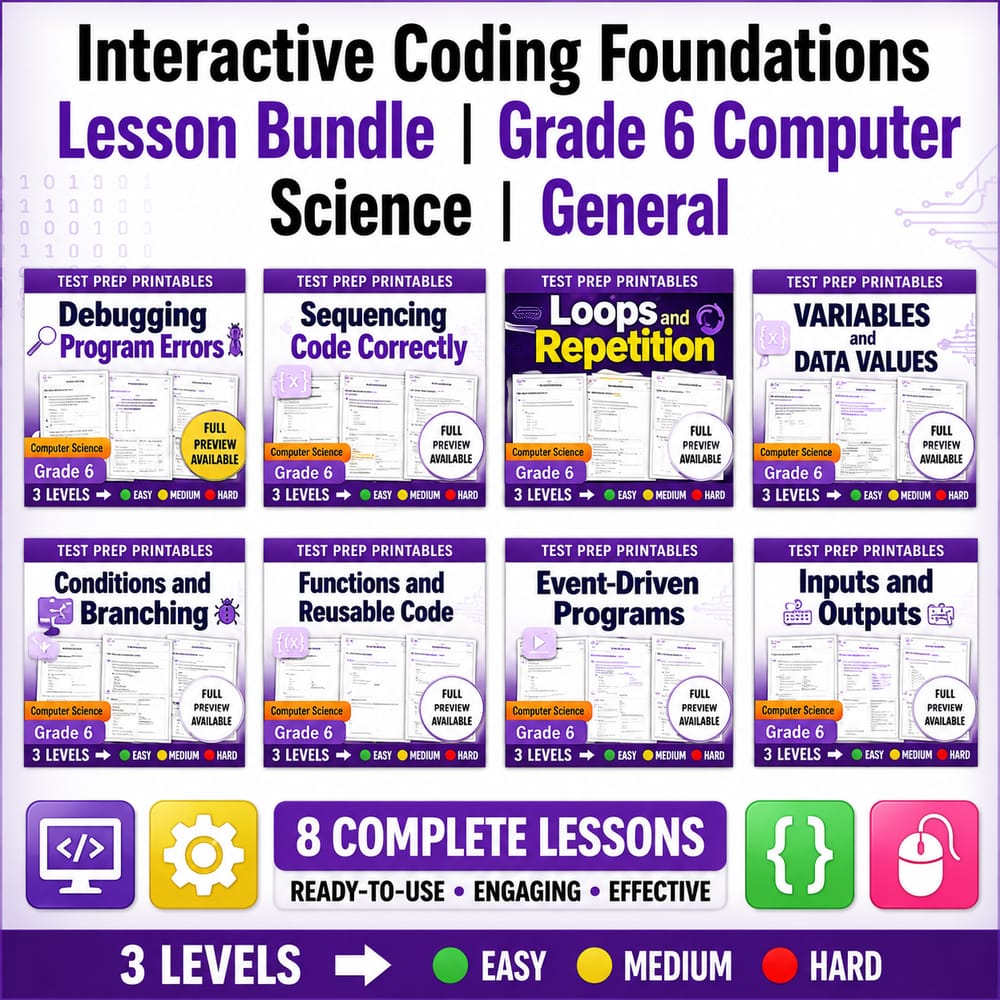
Interactive Coding Foundations Lesson Bundle | Grade 6 Computer Science | General — bundle cover
Interactive Coding Foundations Lesson Bundle | Grade 6 Computer Science | General — included worksheet 1
Interactive Coding Foundations Lesson Bundle | Grade 6 Computer Science | General — included worksheet 2
Interactive Coding Foundations Lesson Bundle | Grade 6 Computer Science | General — included worksheet 3
Interactive Coding Foundations Lesson Bundle | Grade 6 Computer Science | General — included worksheet 4
Interactive Coding Foundations Lesson Bundle | Grade 6 Computer Science | General — included worksheet 5
Interactive Coding Foundations Lesson Bundle | Grade 6 Computer Science | General — included worksheet 6
Interactive Coding Foundations Lesson Bundle | Grade 6 Computer Science | General — included worksheet 7
Interactive Coding Foundations Lesson Bundle | Grade 6 Computer Science | General — included worksheet 8
Interactive Coding Foundations Lesson Bundle | Grade 6 Computer Science | General — included worksheet 9
Interactive Coding Foundations Lesson Bundle | Grade 6 Computer Science | General — included worksheet 10
Grade 6 Computer Science worksheet — Interactive Coding Foundations Lesson Bundle | Grade 6 Computer Science | General

Description

Overview


Interactive Coding Foundations is a Grade 6 Computer Science lesson bundle designed to strengthen core programming thinking through structured practice. In the General framework, this bundle includes 10 worksheets that guide students from planning and sequencing code to testing interactive behaviors.

What's Included


  • ✅ Building Interactive Projects Worksheet | Grade 6 Computer Science – Students connect program goals to interactive features they can build and refine.
  • ✅ Sequencing Code Correctly Worksheet | Grade 6 Computer Science – Learners practice ordering steps so the program logic runs as intended.
  • ✅ Pseudocode and Planning Worksheet | Grade 6 Computer Science – Students translate ideas into clear pseudocode before writing any final code.
  • ✅ Debugging Program Errors Worksheet | Grade 6 Computer Science – Students identify likely error points and apply a systematic debugging process.
  • ✅ Functions and Reusable Code Worksheet | Grade 6 Computer Science – Learners create reusable functions that reduce repetition and improve clarity.
  • ✅ Conditionals and Branching Worksheet | Grade 6 Computer Science – Students use decisions to choose different paths based on conditions.
  • ✅ Loops and Repetition Worksheet | Grade 6 Computer Science Coding – Learners implement loops to repeat actions efficiently and correctly.
  • ✅ Event Driven Programs Triggers and Responses Worksheet Grade 6 CS – Students map triggers to responses so interactive programs react appropriately.
  • ✅ Inputs and Outputs Worksheet | How Programs Respond Grade 6 CS – Learners trace how inputs change outputs and describe program cause-and-effect.
  • ✅ Variables and Data Values Worksheet | Grade 6 Computer Science – Students use variables to store data and track changes throughout a program.

Skills & Standards


Across the Interactive Coding Foundations unit, students develop computing practices aligned to the General framework: modeling, reasoning, and evidence-based explanation. They learn to represent solutions with pseudocode, then justify how each step contributes to correct program behavior. Sequencing, conditionals, loops, functions, and variables are treated as tools for building models of how a program “thinks,” not just as isolated syntax.

Students also practice analytical reasoning by predicting what code will do, testing those predictions, and revising explanations when results differ. Debugging worksheets emphasize cause-and-effect thinking—students trace execution, locate inconsistencies, and describe the change needed to improve correctness. Event-driven and inputs/outputs tasks strengthen systems understanding by helping students see programs as interactive systems that respond to signals, store state, and produce outputs. Throughout, learners use structured communication to explain how an algorithm handles branching choices, repeated actions, and stored data.

Perfect For


  • Teachers seeking structured instruction
  • Sub plans
  • Homework or review
  • Intervention or centers
  • Assessment preparation

How to Use


Use this as a single multi-day unit (typically 1–3 weeks) where each worksheet supports a day of instruction plus independent practice. Try a brief warm-up each day with a short sequencing, tracing, or debugging prompt tied to that worksheet’s focus. Follow with guided practice where students complete a shared pseudocode plan or trace a program scenario, then independently finish the worksheet using the same reasoning steps. Close lessons with an exit ticket that asks for one prediction, one explanation of a program response, or one revision to fix a fault. For the end-of-unit review, have students compare how variables, conditionals, loops, and event triggers work together to produce correct interactive outputs.

Closing


By repeatedly planning, coding, and testing interactive logic, students build reliable problem-solving habits they can apply to new computer science challenges. 😊

Interactive Coding Foundations Lesson Bundle | Grade 6 Computer Science | General

$40.00$50.00Save $10.00
Prism Point Learning
·2 followers·13 sales
SubjectComputer ScienceGradeGrade 6Pages300 Pages

What’s included

10 worksheets · 300 pages · Save $10.00 (20%) · prices shown inside the bundle

  1. Debugging Program Errors Worksheet | Grade 6 Computer Science
    Debugging Program Errors Worksheet | Grade 6 Computer Science

    Grade 6 · Computer Science · 30 Pages

    • Explain what debugging is and why errors happen in programs.
    • Use debugging steps to find where a program goes wrong and fix it.
    • Identify common error causes such as incorrect order, missing code, and wrong values.
    $4.00$5.00
  2. Sequencing Code Correctly Worksheet | Grade 6 Computer Science
    Sequencing Code Correctly Worksheet | Grade 6 Computer Science

    Grade 6 · Computer Science · 30 Pages

    • Explain how program commands run in the order they are written.
    • Identify how changing the order of commands changes the output.
    • Use sequence and order vocabulary to describe working vs. non-working code.
    $4.00$5.00
  3. Loops and Repetition Worksheet | Grade 6 Computer Science Coding
    Loops and Repetition Worksheet | Grade 6 Computer Science Coding

    Grade 6 · Computer Science · 30 Pages

    • Explain how loops repeat commands to save time and reduce duplicate code.
    • Use loop vocabulary such as repeat, iteration, and efficiency to describe program behavior.
    • Identify correct and incorrect statements about loop usage and repeated actions.
    $4.00$5.00
  4. Variables and Data Values Worksheet | Grade 6 Computer Science
    Variables and Data Values Worksheet | Grade 6 Computer Science

    Grade 6 · Computer Science · 30 Pages

    • Explain what variables are and how they store changing information in a program.
    • Identify the difference between a variable name and the value a variable holds.
    • Use variables and values to make predictions about program behavior.
    $4.00$5.00
  5. Conditionals and Branching Worksheet | Grade 6 Computer Science
    Conditionals and Branching Worksheet | Grade 6 Computer Science

    Grade 6 · Computer Science · 30 Pages

    • Explain how conditionals help programs make decisions based on rules
    • Identify the parts of if-then-else logic and how branching changes program behavior
    • Use conditional vocabulary (conditional, branch, rule, decision) correctly in explanations
    $4.00$5.00
  6. Functions and Reusable Code Worksheet | Grade 6 Computer Science
    Functions and Reusable Code Worksheet | Grade 6 Computer Science

    Grade 6 · Computer Science · 30 Pages

    • Define a function, call, and reusable code in simple computer science language
    • Explain why reusable code blocks make programs easier to read and maintain
    • Choose the best option that describes how functions work in a program
    $4.00$5.00
  7. Event Driven Programs Triggers and Responses Worksheet Grade 6 CS
    Event Driven Programs Triggers and Responses Worksheet Grade 6 CS

    Grade 6 · Computer Science · 30 Pages

    • Explain how events trigger actions in an event-driven program.
    • Use key vocabulary (event, trigger, response, interaction) to describe program behavior.
    • Identify event types such as clicks, key presses, touches, and timed actions.
    $4.00$5.00
  8. Inputs and Outputs Worksheet | How Programs Respond Grade 6 CS
    Inputs and Outputs Worksheet | How Programs Respond Grade 6 CS

    Grade 6 · Computer Science · 30 Pages

    • Define input, output, response, and interaction in the context of a program.
    • Identify examples of input and output in everyday computer activities.
    • Explain how changing input can change what a program outputs.
    $4.00$5.00
  9. Pseudocode and Planning Worksheet | Grade 6 Computer Science
    Pseudocode and Planning Worksheet | Grade 6 Computer Science

    Grade 6 · Computer Science · 30 Pages

    • Explain how pseudocode uses plain language to describe program logic and sequence.
    • Write and revise simple plans for tasks using ordered steps.
    • Identify correct logic and order when statements or steps are given.
    $4.00$5.00
  10. Building Interactive Projects Worksheet | Grade 6 Computer Science
    Building Interactive Projects Worksheet | Grade 6 Computer Science

    Grade 6 · Computer Science · 30 Pages

    • Explain how interactive projects use inputs, outputs, events, loops, and conditionals.
    • Use planning features to organize a program before writing code.
    • Use key vocabulary words (interactive, project, feature, program) correctly in context.
    $4.00$5.00

Reviews & Feedback

Loading reviews...

Questions & Answers

Loading questions…

About this bundle

Related categories

Frequently asked questions

Who is Interactive Coding Foundations Lesson Bundle | Grade 6 Computer Science | General designed for?
Interactive Coding Foundations Lesson Bundle | Grade 6 Computer Science | General is designed for Grade 6 students and Computer Science learners and can be used in classrooms, homeschool, or independent practice.
How do I download Interactive Coding Foundations Lesson Bundle | Grade 6 Computer Science | General?
Add it to your cart and complete checkout. After payment, you can download immediately from your account, and you'll also receive a download link by email.