
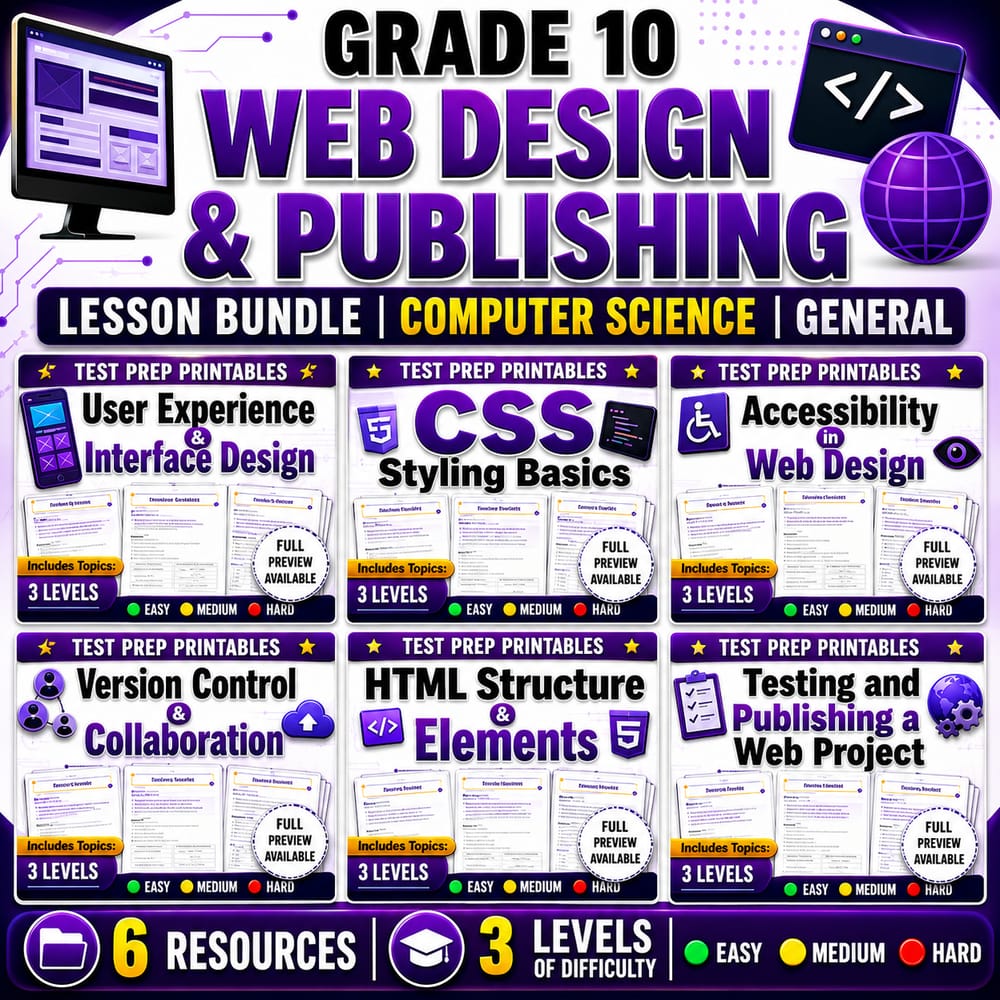
Grade 10 Web Design & Publishing Lesson Bundle | Computer Science | General
$24.00$30.00Save $6.00
Prism Point Learning
·2 followers·13 sales
SubjectComputer ScienceGradeGrade 10Pages187 Pages
What’s included
6 worksheets · 187 pages · Save $6.00 (20%) · prices shown inside the bundle
 User Experience and Interface Design Worksheet | Grade 10 CS Activity
- Explain how user experience (UX) affects how easily people use a digital product
- Identify interface design choices that reduce confusion and improve usability
- Evaluate design decisions using principles like clarity, consistency, and feedback
$4.00$5.00 Grade 10 CSS Styling Basics Worksheet | Computer Science Web Design Activity
- Identify how CSS selectors and properties work together to style HTML elements.
- Interpret simple CSS rules and predict how they affect the look of a webpage.
- Choose readable styling choices using font, color, spacing, and borders.
$4.00$5.00 Accessibility in Web Design Worksheet | Grade 10 Computer Science Activity
- Explain how accessibility features help users with different abilities and devices.
- Identify changes that improve readability, navigation, and understanding on a website.
- Evaluate accessibility statements as true or false based on web design principles.
$4.00$5.00 Grade 10 Version Control and Collaboration Worksheet | Computer Science
- Explain how version control helps teams track changes, compare versions, and restore earlier work
- Describe how collaboration tools support shared editing, feedback, and organized teamwork
- Identify common rules for coordinating edits to avoid overwriting and reduce merge conflicts
$4.00$5.00 HTML Structure and Elements Worksheet | Grade 10 Computer Science
- Identify common HTML elements and describe what they do in a web page.
- Use semantic HTML elements to organize content logically.
- Recognize correct element hierarchy for typical page sections.
$4.00$5.00 Testing and Publishing a Web Project Worksheet Grade 10 Computer Science
- Describe how to test a web project for working links, correct text display, and loaded images across devices and browsers
- Explain the steps for preparing and publishing a finished web project for an audience
- Identify common reasons a site is not launch-ready and propose practical fixes
$4.00$5.00
Reviews & Feedback
Loading reviews...
Questions & Answers
Loading questions…
About this bundle
Related categories
Frequently asked questions
Who is Grade 10 Web Design & Publishing Lesson Bundle | Computer Science | General designed for?
Grade 10 Web Design & Publishing Lesson Bundle | Computer Science | General is designed for Grade 10 students and Computer Science learners and can be used in classrooms, homeschool, or independent practice.
How do I download Grade 10 Web Design & Publishing Lesson Bundle | Computer Science | General?
Add it to your cart and complete checkout. After payment, you can download immediately from your account, and you'll also receive a download link by email.

