
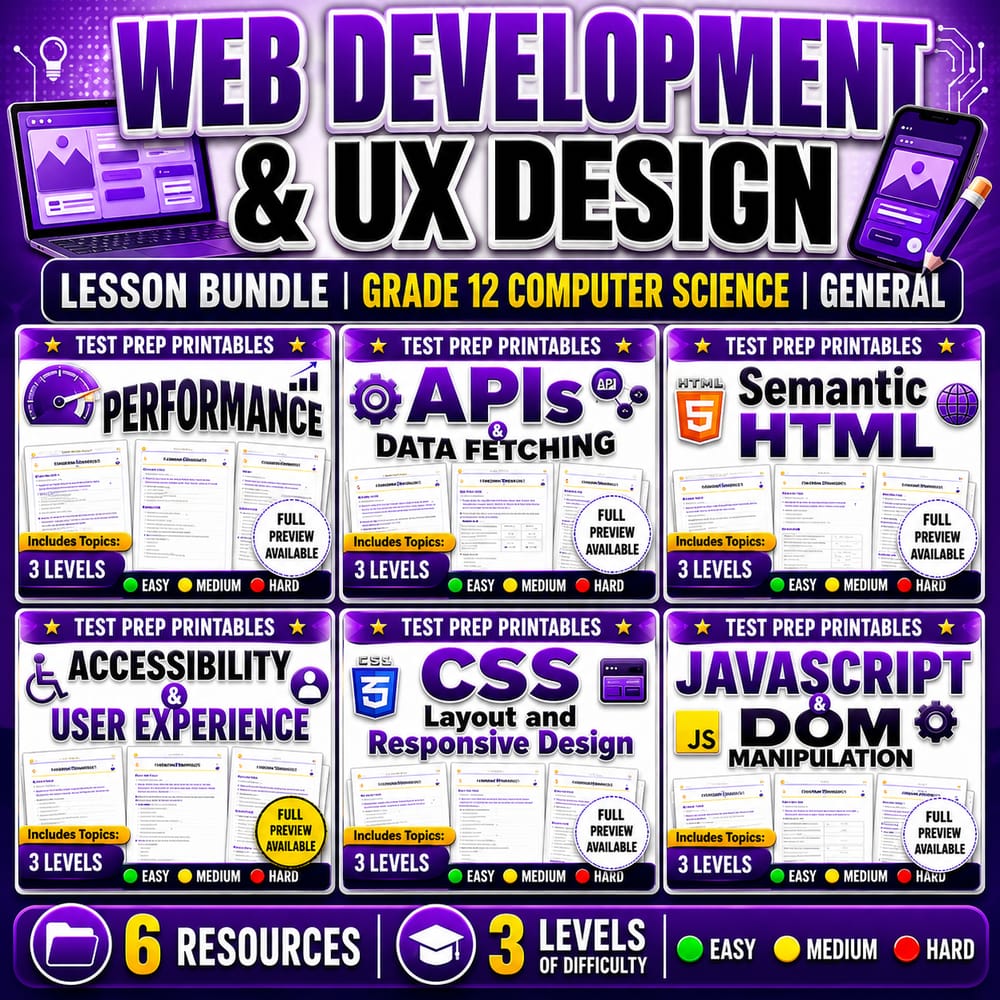
Web Development & UX Design Lesson Bundle | Grade 12 Computer Science | General
$24.00$30.00Save $6.00
Prism Point Learning
·2 followers·13 sales
SubjectComputer ScienceGradeGrade 12Pages184 Pages
What’s included
6 worksheets · 184 pages · Save $6.00 (20%) · prices shown inside the bundle
 Computer Science Performance and SEO Worksheet Grade 12 Web Skills
- Explain how website performance affects search visibility and user behavior.
- Identify common performance metrics and optimization techniques related to SEO.
- Apply data-informed reasoning to improve page load speed and technical SEO.
$4.00$5.00 APIs and Data Fetching Worksheet | Grade 12 Computer Science Web Apps
- Explain how APIs enable communication between software systems using requests and responses
- Describe how data fetching supports dynamic content after a page loads
- Evaluate outcomes of API requests, including success responses and error handling
$4.00$5.00 Semantic HTML Structure and Meaning Worksheet | Grade 12 Computer Science
- Identify semantic HTML tags that match common content types such as navigation, headings, articles, and footers.
- Apply a logical page hierarchy using appropriate semantic elements to improve readability and maintenance.
- Explain how semantic markup supports accessibility, search, and long-term code quality.
$4.00$5.00 Accessibility and UX Design Worksheet | Grade 12 Computer Science
- Explain how accessibility features improve user experience for people using different devices and supports.
- Identify which design changes make a website more inclusive (e.g., alt text, contrast, keyboard navigation).
- Evaluate statements about accessible web design for correctness.
$4.00$5.00 CSS Layout and Responsive Design Worksheet | Grade 12 Computer Science
- Explain how CSS selectors and layout properties affect the structure and appearance of a webpage.
- Compare Flexbox and Grid for building flexible page layouts.
- Use media queries to adjust styling for different screen sizes and improve readability.
$4.00$5.00 JavaScript DOM Manipulation Worksheet Grade 12 Web Development
- Explain how JavaScript interacts with the DOM to update web page content and respond to events.
- Identify key DOM concepts such as elements, properties, and methods used to modify the page.
- Apply event-driven thinking to connect user actions (like button clicks) to JavaScript behavior.
$4.00$5.00
Reviews & Feedback
Loading reviews...
Questions & Answers
Loading questions…
About this bundle
Related categories
Frequently asked questions
Who is Web Development & UX Design Lesson Bundle | Grade 12 Computer Science | General designed for?
Web Development & UX Design Lesson Bundle | Grade 12 Computer Science | General is designed for Grade 12 students and Computer Science learners and can be used in classrooms, homeschool, or independent practice.
How do I download Web Development & UX Design Lesson Bundle | Grade 12 Computer Science | General?
Add it to your cart and complete checkout. After payment, you can download immediately from your account, and you'll also receive a download link by email.

