
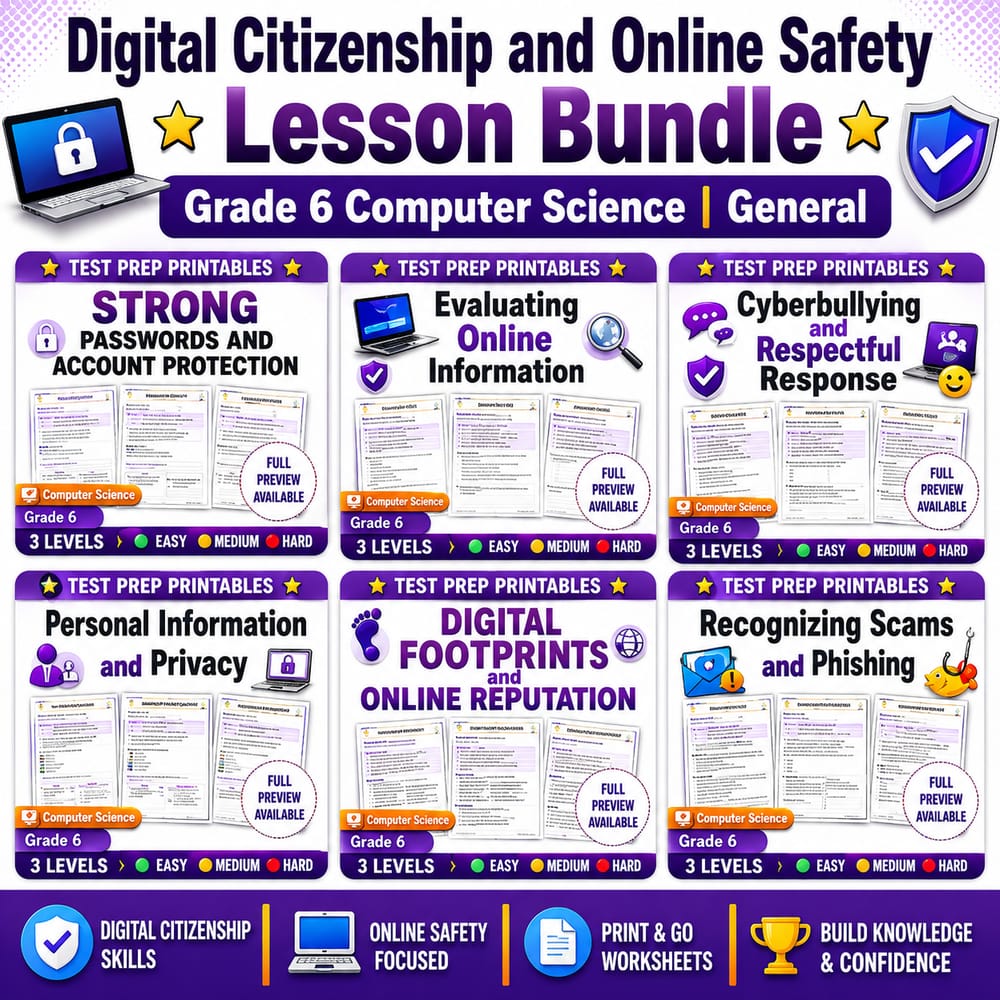
Digital Citizenship and Online Safety Lesson Bundle | Grade 6 Computer Science | General
$24.00$30.00Save $6.00
Prism Point Learning
·2 followers·14 sales
SubjectComputer ScienceGradeGrade 6Pages180 Pages
What’s included
6 worksheets · 180 pages · Save $6.00 (20%) · prices shown inside the bundle
 Strong Passwords and Account Protection Grade 6 Computer Science
- Identify what makes a password strong and harder to guess.
- Describe safe account habits such as not reusing passwords and keeping login details private.
- Explain how authentication helps protect accounts.
$4.00$5.00 Organizing Data in Tables Computer Science Worksheet Grade 6
- Use source, purpose, date, and evidence to judge whether information online is reliable.
- Distinguish between reliable information and content with weak or missing evidence.
- Explain how credibility can change when an author or source is unclear.
$4.00$5.00 Cyberbullying and Respectful Response Grade 6 Computer Science Lesson
- Identify examples of cyberbullying and harassment online.
- Choose safe, respectful responses as a bystander.
- Explain how blocking, reporting, and saving evidence can help.
$4.00$5.00 Personal Information and Privacy Worksheet Grade 6 Computer Science
- Identify personal information that should be kept private online
- Explain why privacy is important when sharing profile details, forms, and messages
- Use vocabulary words personal information, private, public, and secure in context
$4.00$5.00 Digital Footprints and Online Reputation Grade 6 Computer Science
- Explain how digital footprints form and how they can affect future online interactions.
- Describe how online reputation can grow from repeated choices in digital spaces.
- Use key vocabulary correctly: digital footprint, reputation, trace, online presence.
$4.00$5.00 Recognizing Scams and Phishing Computer Science Worksheet Grade 6
- Identify common warning signs of scams and phishing messages.
- Explain safe choices when you see suspicious emails, texts, or pop-ups.
- Use key vocabulary (scam, phishing, suspicious, fraud) accurately in explanations.
$4.00$5.00
Reviews & Feedback
Loading reviews...
Questions & Answers
Loading questions…
About this bundle
Related categories
Frequently asked questions
Who is Digital Citizenship and Online Safety Lesson Bundle | Grade 6 Computer Science | General designed for?
Digital Citizenship and Online Safety Lesson Bundle | Grade 6 Computer Science | General is designed for Grade 6 students and Computer Science learners and can be used in classrooms, homeschool, or independent practice.
How do I download Digital Citizenship and Online Safety Lesson Bundle | Grade 6 Computer Science | General?
Add it to your cart and complete checkout. After payment, you can download immediately from your account, and you'll also receive a download link by email.


