
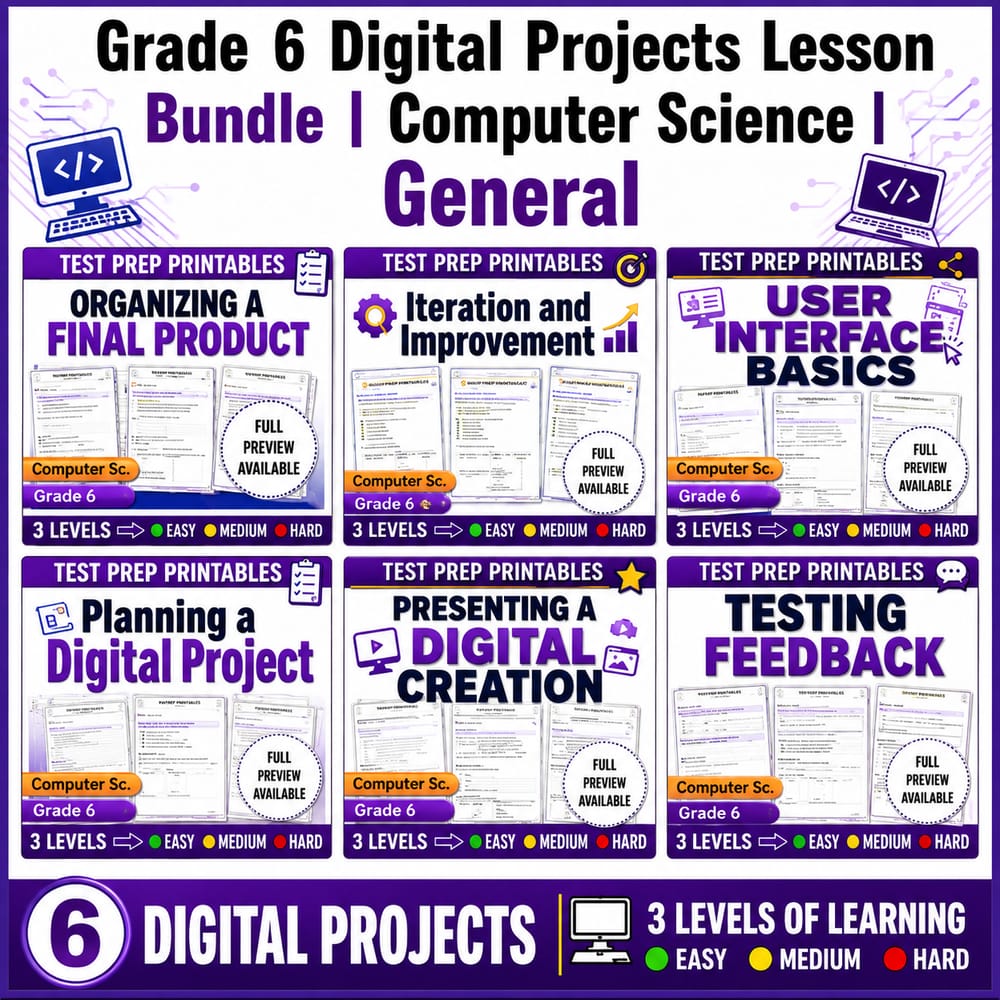
Grade 6 Digital Projects Lesson Bundle | Computer Science | General
$24.00$30.00Save $6.00
Prism Point Learning
·2 followers·13 sales
SubjectComputer ScienceGradeGrade 6Pages179 Pages
What’s included
6 worksheets · 179 pages · Save $6.00 (20%) · prices shown inside the bundle
 Organizing a Final Digital Product Grade 6 Computer Science Worksheet
- Explain how to organize a final product so it is clear and easy to follow for an audience.
- Choose readable text and appropriate media for a presentation.
- Use key vocabulary (final product, organize, presentation, audience) when planning to share work.
$4.00$5.00 Iteration and Improvement Computer Science Worksheet Grade 6
- Define iteration and explain how testing feedback helps improve a digital project.
- Use vocabulary such as iteration, revise, improve, and version to describe step-by-step changes.
- Identify correct statements about how teams can use repeated versions to reach a better design.
$4.00$5.00 User Interface Basics Computer Science Worksheet Grade 6 Activity
- Define key user interface vocabulary: user interface, menu, button, and layout.
- Identify features of an interface that make it easy or difficult to use.
- Use interface terms to describe how a user interacts with a digital design.
$4.00$5.00 Planning a Digital Project Worksheet | Grade 6 Computer Science
- Identify the goal, audience, and plan needed to start a digital project.
- Use planning steps to decide what features to include before coding or creating.
- Evaluate statements about project planning using key vocabulary and reasoning.
$4.00$5.00 Presenting a Digital Creation Computer Science Worksheet Grade 6
- Explain key choices and features of a digital creation using clear, complete sentences.
- Describe how a digital project works and what the audience can expect to see.
- Respond to questions respectfully by using evidence from the project.
$4.00$5.00 Testing and Feedback in Digital Projects Grade 6 Computer Science
- Explain how testing helps a digital project work correctly and be easy to use.
- Use feedback to revise and improve a project after finding problems.
- Identify common results from testing, such as errors, confusion, and missing features.
$4.00$5.00
Reviews & Feedback
Loading reviews...
Questions & Answers
Loading questions…
About this bundle
Related categories
Frequently asked questions
Who is Grade 6 Digital Projects Lesson Bundle | Computer Science | General designed for?
Grade 6 Digital Projects Lesson Bundle | Computer Science | General is designed for Grade 6 students and Computer Science learners and can be used in classrooms, homeschool, or independent practice.
How do I download Grade 6 Digital Projects Lesson Bundle | Computer Science | General?
Add it to your cart and complete checkout. After payment, you can download immediately from your account, and you'll also receive a download link by email.
Similar Products

Artificial Intelligence & Digital Ethics Lesson Bundle — Grade 6 Computer Science, General
$24.00$30.00

Digital Citizenship & Online Safety Lesson Bundle | Grade 8 CS | General
$24.00$30.00

Digital Citizenship & Cyber Safety Lesson Bundle | Grade 7 CS | General
$24.00$30.00

Artificial Intelligence Worksheets Bundle | Grade 3 Computer Science
$14.40$18.00

Digital Literacy & Online Safety Lesson Bundle | Grade 9 Computer Science | General
$24.00$30.00